
Website Brand Elements
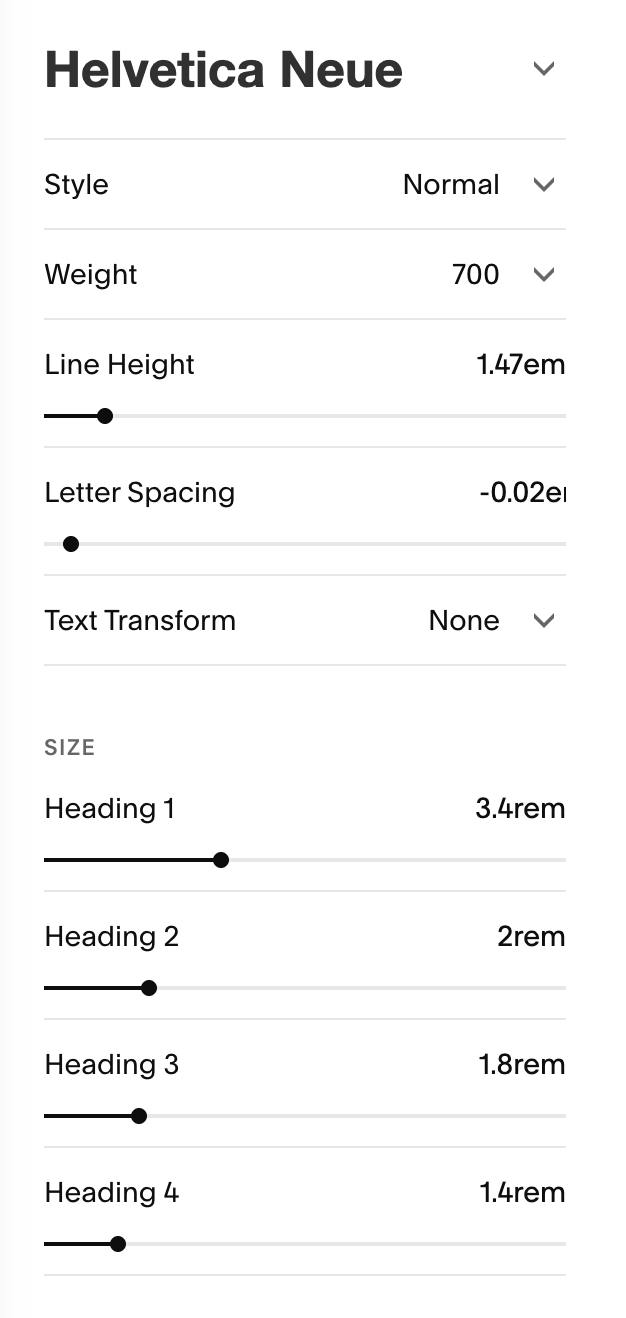
Helvetica Neue. This is Heading 1
This is italicized in Swear Display Cilati
This is Heading 2
This is Heading 3
This is Heading 4
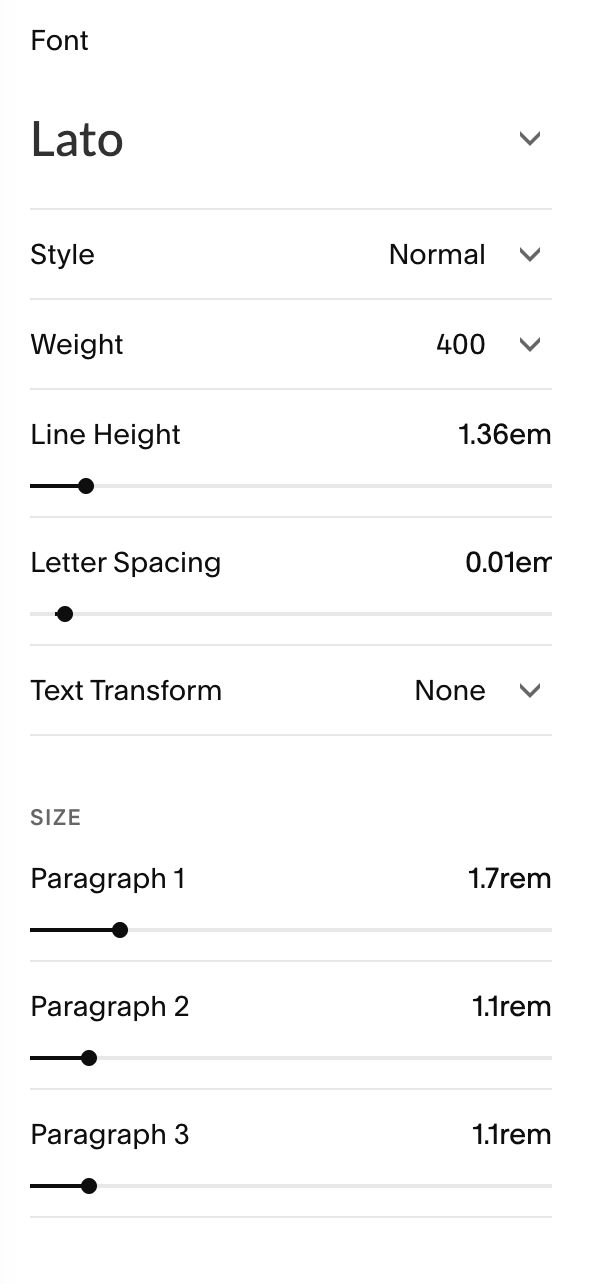
Lato. This is paragraph 1. Used sparingly.
This is paragraph 2. Used for most paragraphs. Lorem ipsum dolor sit amet, consectetur adipiscing elit, sed do eiusmod tempor incididunt ut labore et dolore magna aliqua. Ut enim ad minim veniam, quis nostrud exercitation ullamco laboris nisi ut aliquip ex ea commodo consequat. Duis aute irure dolor in reprehenderit in voluptate velit esse cillum dolore eu fugiat nulla pariatur. Excepteur sint occaecat cupidatat non proident, sunt in culpa qui officia deserunt mollit anim id est laborum."
This is paragraph 3. Used for meta descriptions, such as categories.
For headlines in the first hero section, use heading 1. Edit
WEBSITE BRANDING
Style Guide
Pair paragraph 2 with heading 1 to create clear type hierarchy. Hierarchy, while it carries the connotation of what is important, this is helpful for website visitors as the scan through your website. And for screen readers and keyboard users, the hierarchy helps them navigate the site with ease.
Edit

Anything after the first section, use heading 2. This will help with SEO.
How so you might ask. Each style of text has a text tag. Text tags help Google understand your page structure and content hierarchy, improving how search engines read and categorize your pages.
H1: Use only ONE per page for your main headline
Never use H1 tags in site-wide elements that appear on every page, like your header or footer
Squarespace automatically assigns text tags.
Maintain logical hierarchy: H1 → H2 → H3 for proper content structure